
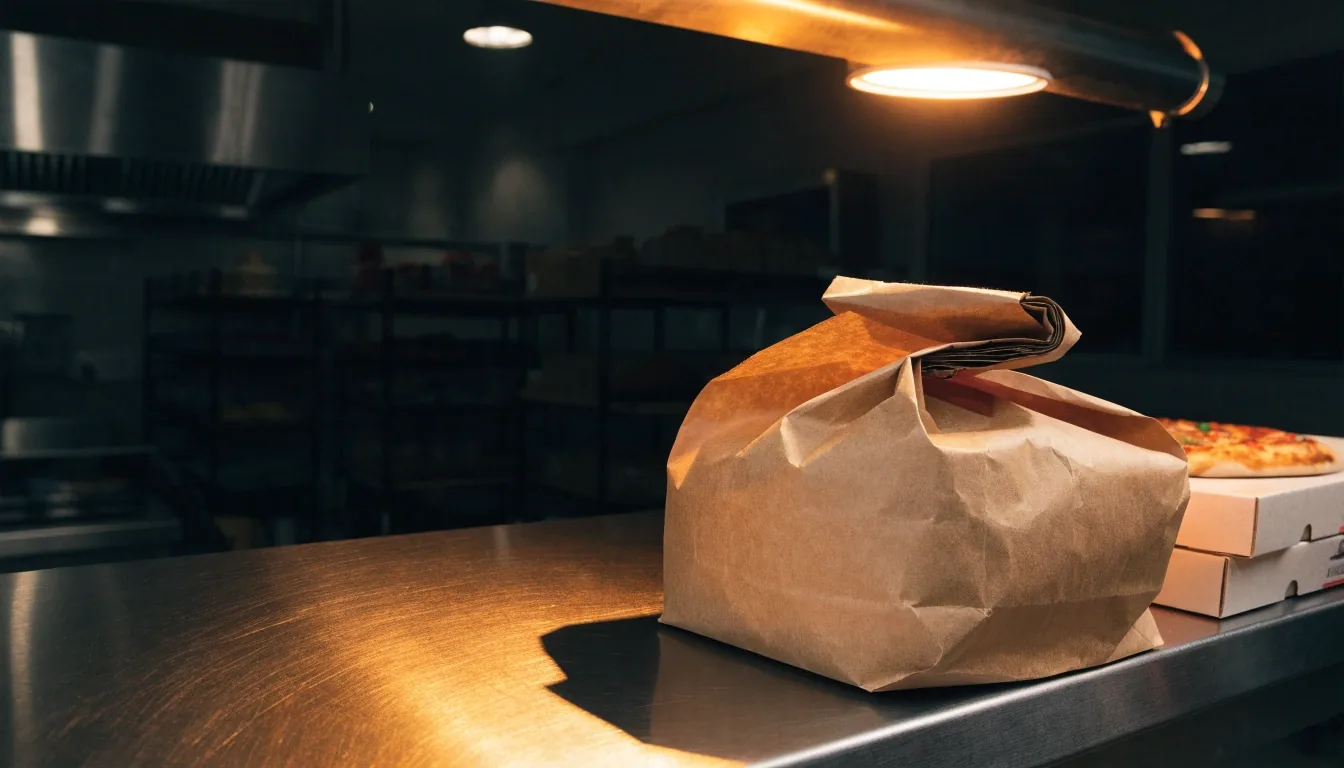
Pickup ordering guide — Papa Gino's
How to place a Papa Gino's pickup order
Choose a restaurant, call in your order, and collect it at the counter. No account needed.
Start here
Pick your restaurant first
Every Papa Ginos order belongs to one kitchen. Start with the location you will collect from — the one on your route home or nearest to where you will be that evening.
The locations page lists addresses and phone numbers for Papaginos restaurants. If you are unsure about hours or whether the dining room is still taking orders, call before you settle on a pickup time. That one call saves a second trip.
600 Providence Hwy, Dedham, MA 02026 · Open Monday – Sunday 11:00 – 22:00
What to have ready
A short list makes it quick
Your items and sizes — pizzas by size and topping, plus pasta, sandwiches, salads, and sides.
A name and phone number for the order slip. No email and no login needed.
The time you want to collect. A rough list on paper helps on a busy Friday night.
Planning Papa Gino's pickup this way keeps the call to a couple of minutes, even when the line is ringing.
Choosing items and sizes
Papagino's menu is built around shareable pizzas, with pasta, sandwiches, salads, sides, and desserts alongside. For a group, start with pizza and add around it — it travels well and splits cleanly.
Say preferences up front: light sauce, extra cheese, dressing on the side. Small changes are simple before the food goes in the oven and difficult after. If you are feeding kids and adults together, a plain cheese plus one topped pie covers most tables.
Browse the menuSetting a pickup time
Tell the restaurant when you need the food. Kitchens work to a queue, so a realistic window lets staff place your order between others.
Weekend evenings run longest. If you can eat earlier or later, ask what time suits the kitchen and take it — you will wait less.
Tip: order earlier in the day for a later pickup on Fridays and Saturdays.
At the counter
Confirm, pay, and collect without the wait
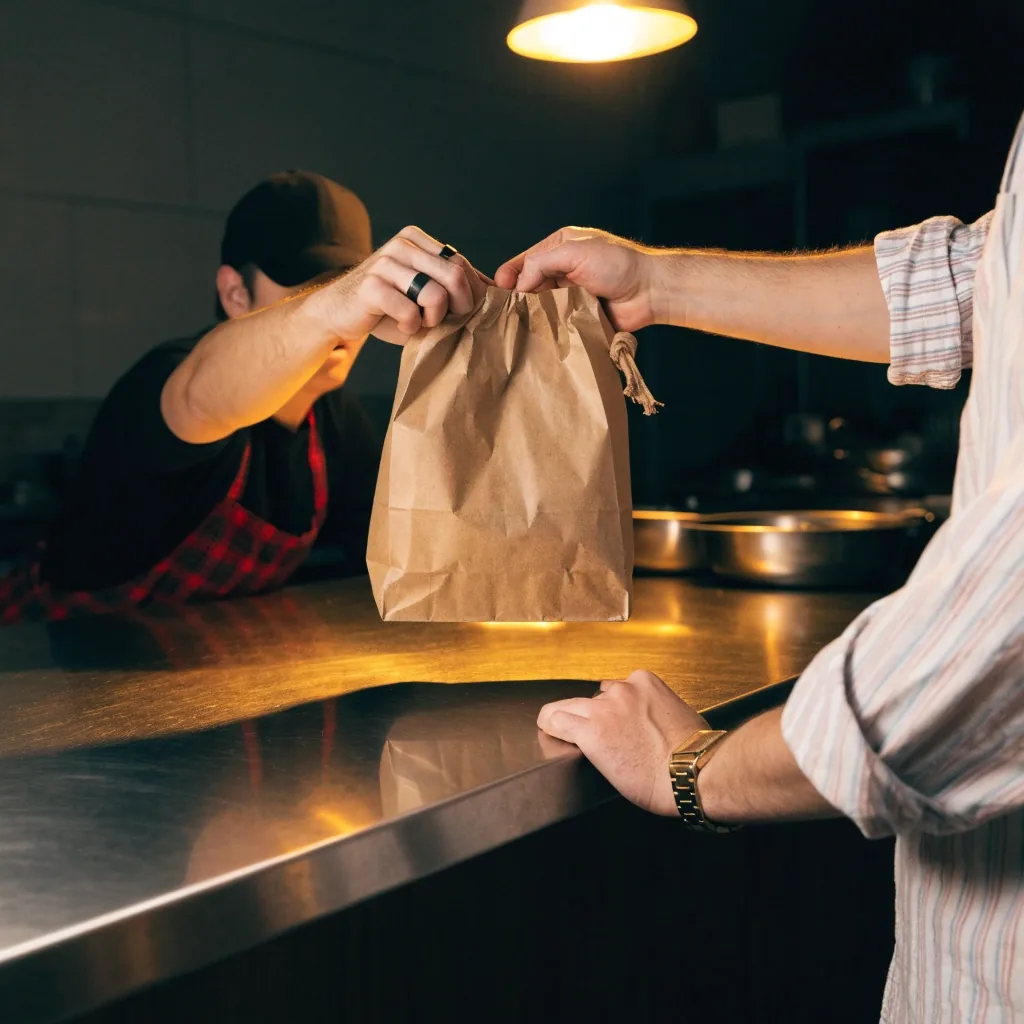
Confirming your order
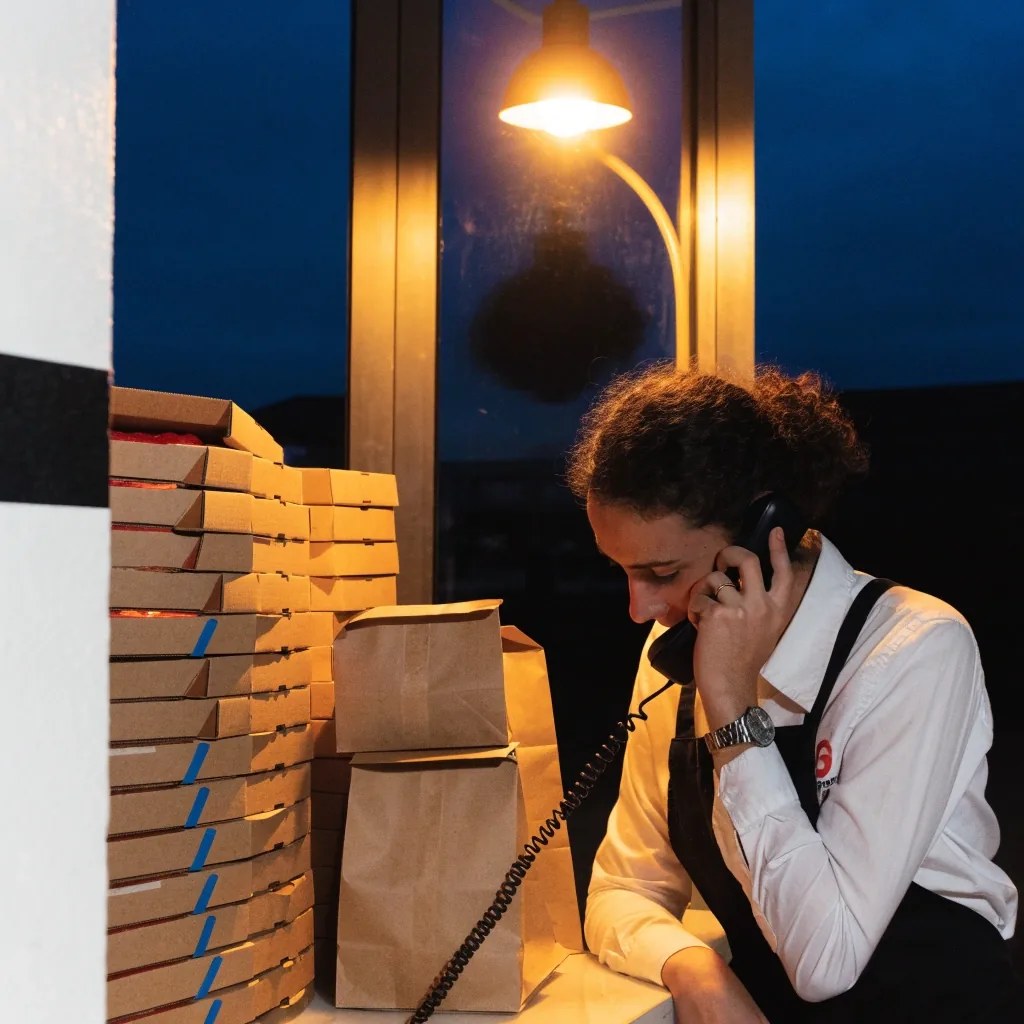
Staff read the order back or confirm the total. Check items, sizes, and the count of pizzas before you hang up — this is the moment to fix anything.
Paying at pickup
Payment happens when you collect. Bring a method your location accepts — ask on the phone if unsure. There is no card checkout on this site. Need a receipt for the office? Mention it when you order.
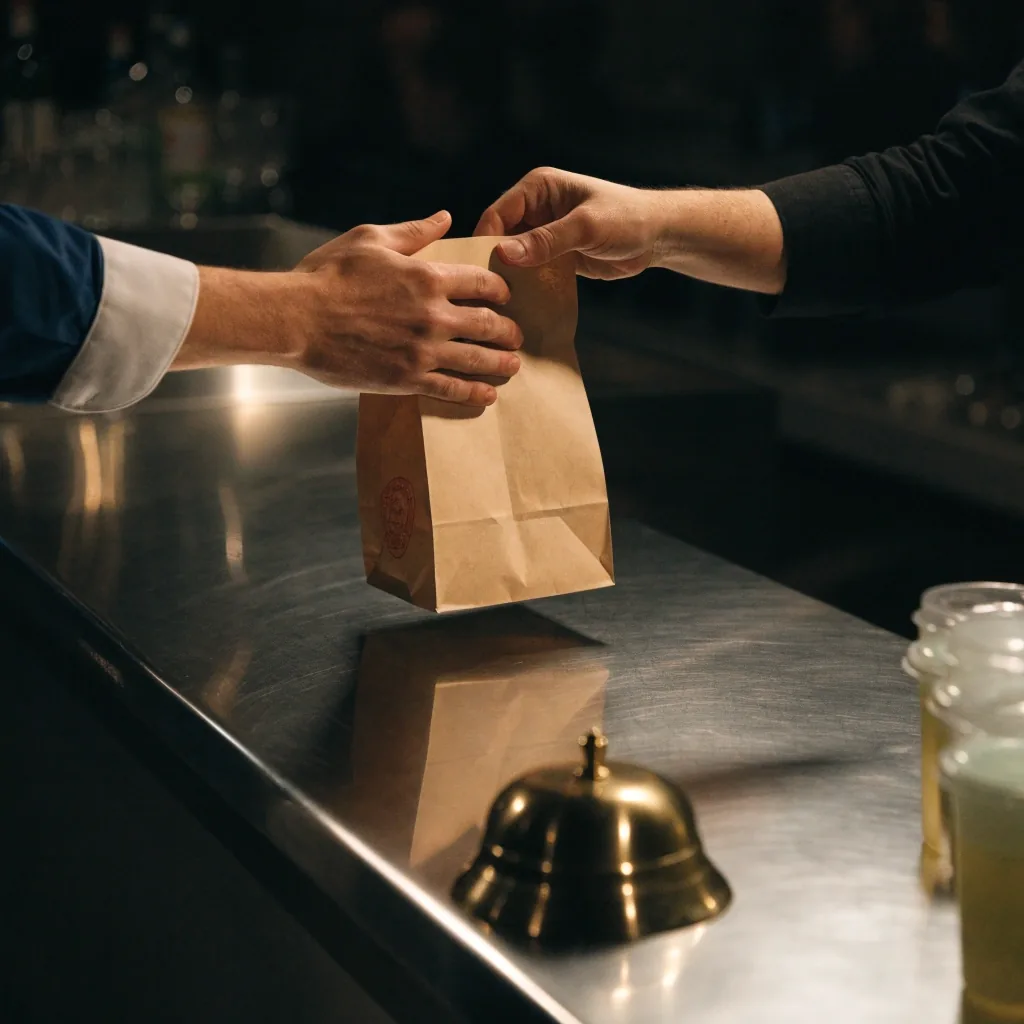
When you arrive
Give your name at the counter. Check the bags match your slip before you leave — a missing side is quicker to fix on the spot than from the parking lot.
Good to know
Changes, large orders, and wrong bags
Order changes and cancellations
Call the restaurant as soon as you can. Once food is in the oven, changes are limited. The sooner you call, the more the kitchen can do — especially for group orders.
Group and catering orders
More than a few pizzas? Use the catering page for sizing and notice periods, then call the specific location ahead. A day's notice is far easier to accommodate than an hour's.
Plan a group orderIf something goes wrong
Wrong item or missing side? Call the restaurant directly on its listed number with your order details and pickup time handy. For issues not tied to one location, use the contact page.
Contact the teamHours and delivery notes
Hours differ by location, so check before you go. Pickup is the focus here; delivery depends on the individual restaurant. If an item is not available at your shop, staff will tell you when you order.
Questions? [email protected] · +1-781-326-8800
Order pickup, without the guesswork.
Papa Gino's online ordering is really Papa Ginos pickup ordering: pick the shop, call it in, collect it warm. Read this page once and the next order takes minutes.
Common questions about pickup
Do I need to create an account?
No. Pickup orders need a name and phone number, nothing more.
Can I pay online?
No. Payment is handled at pickup at the restaurant. Ask your location what methods it accepts.
How far ahead should I order?
It depends on the day. Weekend evenings are busiest, so order earlier for a later pickup time.
Can I change my order after placing it?
Call the restaurant as soon as you can. Once food is cooking, changes are limited.
Is delivery available?
Delivery depends on the individual restaurant and any partners it works with. Check with your local location.